 Block Out!

Block Out! Walkthrough – All Levels
Slide the blocks. Open a path to every color.
Independent fan-made guides. Not affiliated with the game developer.
Browse levels
Recently updated
Game screens from Block Out!
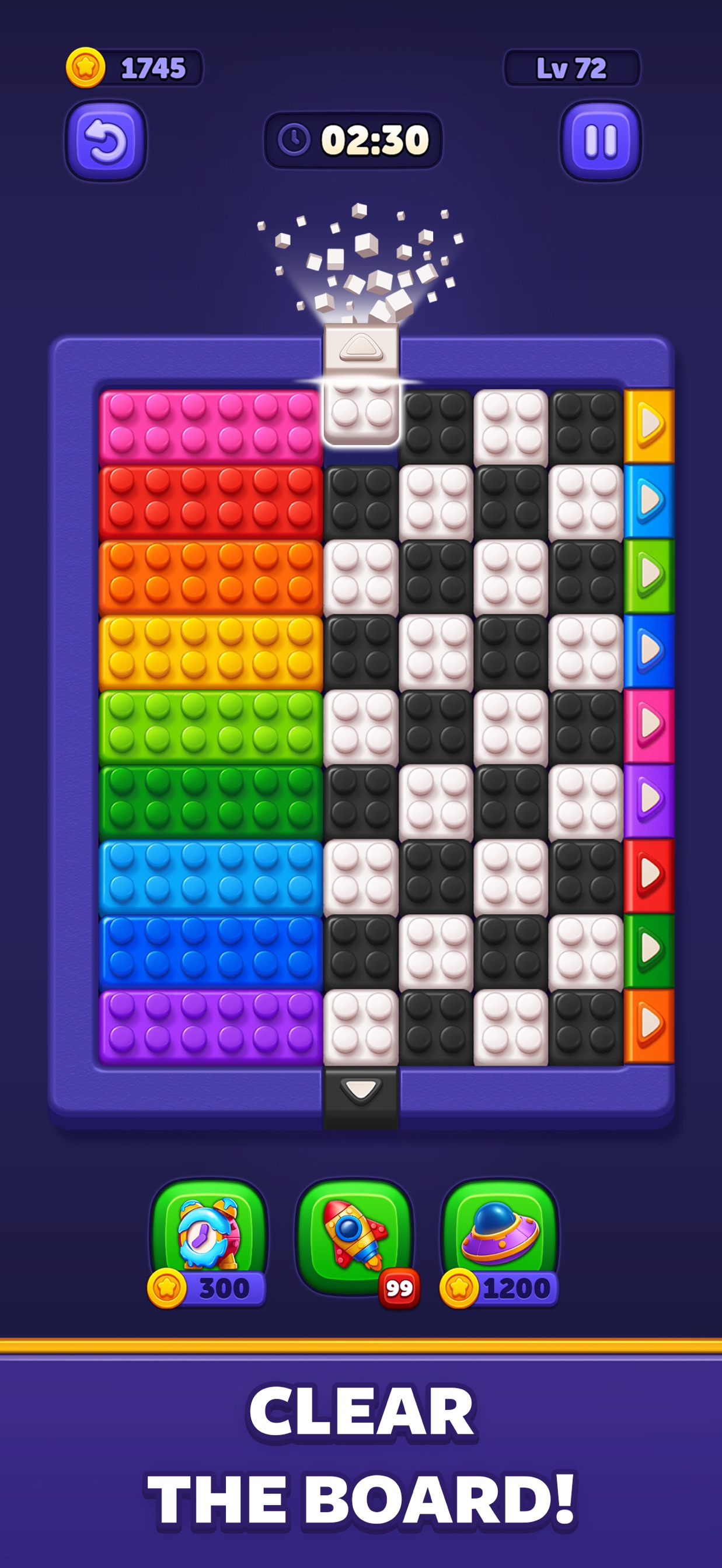
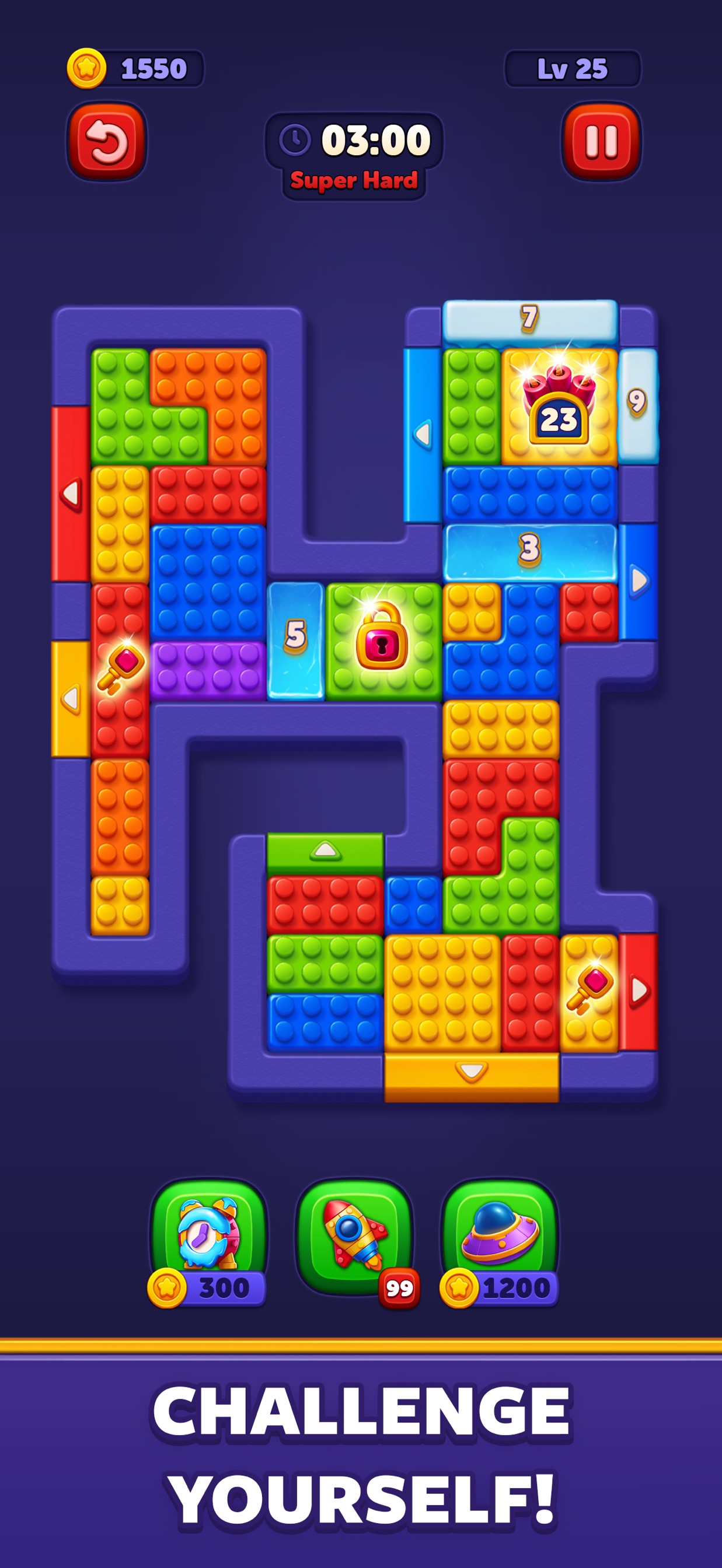
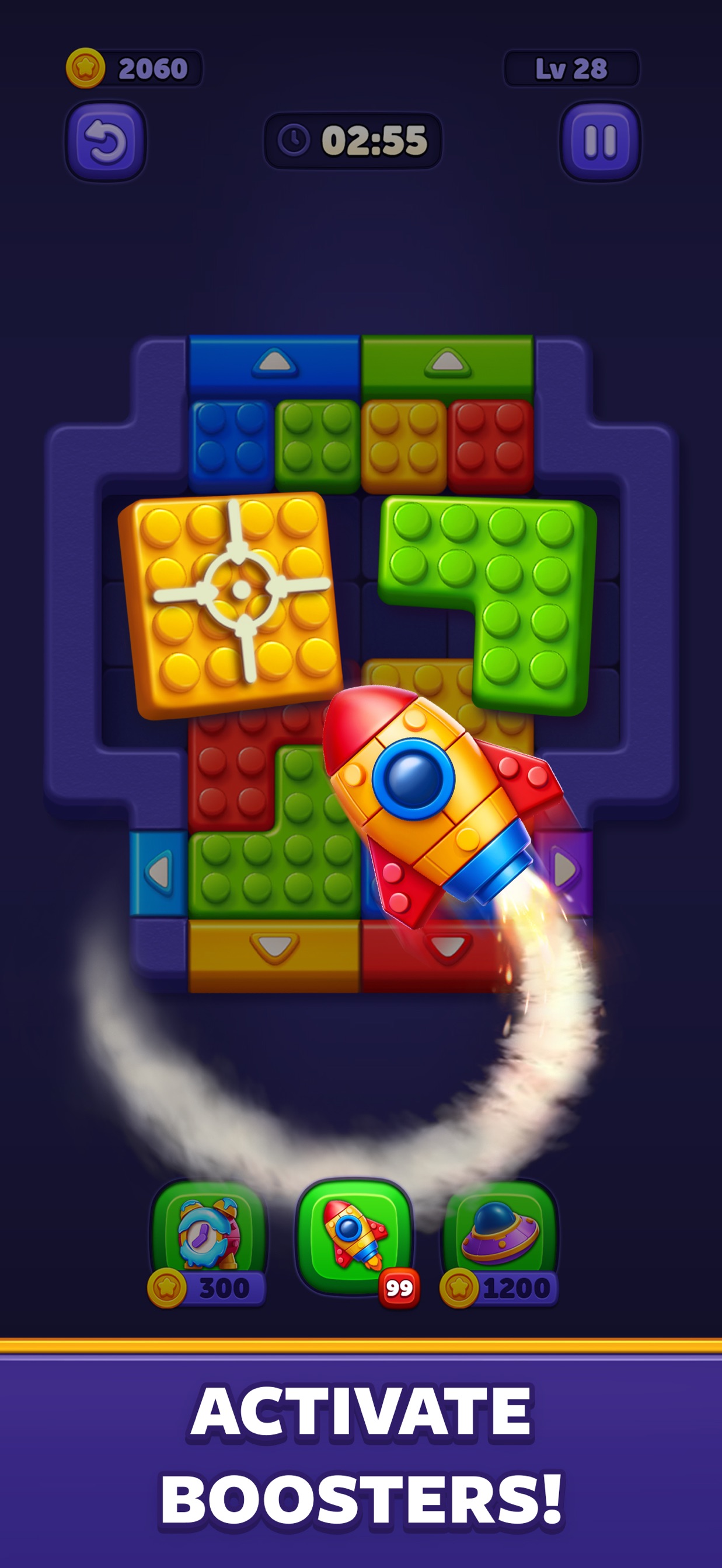
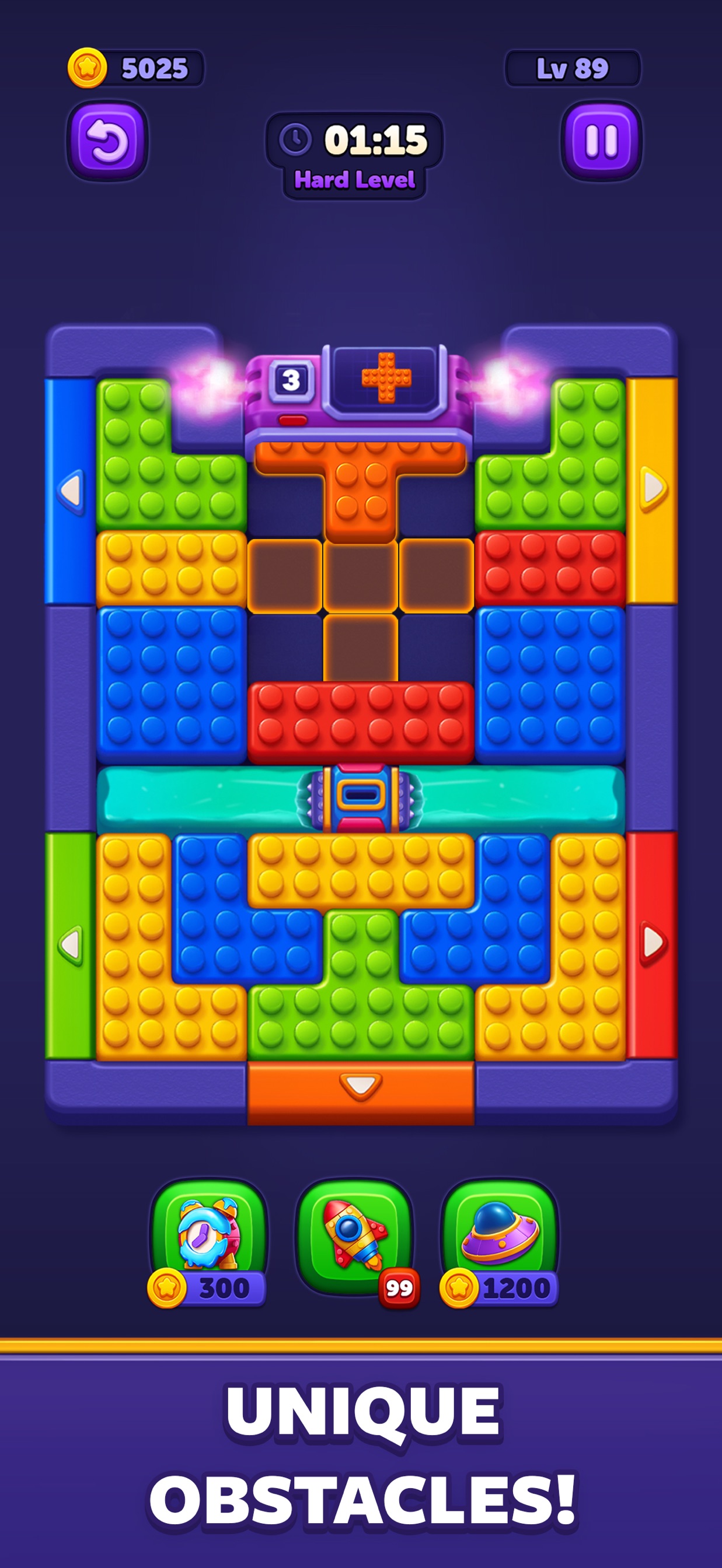
About the game
Block Out! - Color Sort Puzzle is a sliding puzzle by Grand Games for Android, iPhone and iPad. Guide colored blocks to matching doors while keeping room for the next move.
Elevators and generators can change the board. Compare the starting blocks and doors before following a video.
Find video walkthroughs for 1199 levels, or read the general guides for help planning a route.
- Publisher
- Grand Games A.Ş.
- Platform
- Android, iPhone, iPad
- Guide coverage
- 1199 levels
- Last updated
- Game store
- Google Play
 · App Store
Block Out! - Color Sort Puzzle asks you to slide colored blocks into matching doors. Start by finding a reachable exit and create room for the next piece. Use the level search to open a video, compare its opening board with your game, and watch the moves that release the space you need.
A color puzzle built around usable space
Grand Games publishes Block Out! for Android, iPhone and iPad. The official description highlights sliding blocks, matching doors, moving elevators and block generators. These elements make the board more than a collection of colors: each shape takes up space that another piece may need. Clearing one block can create a corridor, while parking the same block in the wrong place can prevent a second color from reaching its exit. Read both the destinations and the paths between them before deciding which move is useful.
Find your level without losing the board
Enter the number displayed in your game, or browse the groups of fifty levels. The most frequently searched numbers have direct links near the search box. After opening a guide, compare the corners, door colors and large block shapes. A number is a convenient starting point, but the opening arrangement is what tells you whether a move sequence applies. Keep your game paused where possible while studying a difficult section, then return to the recording at the point where your positions still match.
Make a route before chasing a color
A matching color tells you the destination; it does not tell you the order. First trace an unobstructed path from a piece to its door. If another block interrupts it, look at where that blocker could move without occupying a different necessary route. Sometimes the useful first move is a short sideways adjustment rather than a complete exit. Judge the result by the working room it creates. Once a piece leaves, inspect the changed board instead of automatically repeating the previous movement pattern.
Read the whole shape
Long and irregular pieces need enough space along their entire outline. A gap beside one corner does not necessarily let the block pass through. Follow the sides of the selected piece and check the next position before dragging. On a compact board, a single square of available room can be the difference between a legal move and a blocked route. Avoid moving a second piece into that square until you know the first piece no longer needs it. This helps make deliberate moves instead of repeated trial drags.
Changing boards need a second look
Elevators and generators make planning a sequence more demanding. Watch an elevator before using the space around it, and notice which routes become available as it moves. When a generator introduces blocks, reassess the destinations for the newly visible colors. The space you have just opened may be part of the next task. In a walkthrough, pause immediately before and after these changes. Comparing two nearby moments usually explains the dependency more clearly than replaying the entire recording at full speed.
Build a short plan, then execute it
Try planning a small chain: move the blocker aside, line up the intended piece, send it through the matching door. Three connected moves are easier to follow than a long sequence memorized without a reason. After that chain, stop briefly to locate the next reachable exit. If your version has a timer, study the opening before another attempt so the first decisions are already made. Fast play is most useful after you understand the path; hurried dragging can consume time without reducing the number of blocks.
Use tools with a purpose
The store screenshots include boosters, but your installed version determines the available tools, their costs and their effects. Read the tool description before using one. Decide whether your problem is a blocked passage, a piece you cannot reposition, or simply an opening you have not understood. A video can help distinguish those situations. Before accepting a purchase or continue offer, check the price and what it grants. Watching a guide here does not require an in-game purchase, and you can review the same sequence as often as needed.
Downloads, ads and practical troubleshooting
Use the official store links and check the Grand Games developer name. Similar names can lead to unrelated block games. The game is free to download with purchases, and the Google Play listing indicates ads; offers and availability can vary. The developer also lists offline play, while these videos require a connection. If playback fails, try the direct YouTube source link. If the app itself freezes, restart it and check for an update before trying anything that could delete progress. Keep your player details when asking game support for help.
Use the wider guides when the move order is unclear
The how-to-play page explains paths and destinations, the tips page develops a method for crowded boards, and the features page describes the changing elements of play. The FAQ covers installation, video differences and common problems. For a single stuck move, use the corresponding level video and nearby guides. For repeated trouble across several levels, return to the general strategy and practice recognizing which piece uses each corridor. The aim is to understand what a clear changes, so the following decision becomes easier even when your board differs from a recording.
Frequently asked questions
What is Block Out! - Color Sort Puzzle?
It is a sliding block puzzle by Grand Games. Move colored blocks toward matching doors while managing the space between them. Elevators and block generators add changing conditions to the board, so the order of moves matters as much as finding a matching color.
How do I move a block?
Drag the block toward an open route. Look at its shape, the surrounding walls and the destination before releasing it. A matching door is useful only when the block can actually reach it. If a drag does nothing, check the space beside the entire piece rather than just its leading corner.
Why can I see a matching door but cannot clear a block?
A color match does not remove the need for a clear route. Another block, a wall or the current position of a moving element can interrupt that route. Follow the full path with your eyes, including the space the piece needs while turning or lining up with the exit.
What should I do first on a crowded board?
Find one block whose matching exit is reachable with little rearrangement. Before moving it, check whether that move closes the only corridor for another piece. A useful opening creates working room and leaves the next block a destination; simply moving the nearest piece can make the board tighter.
How do moving elevators affect a solution?
An elevator changes where pieces can travel. Watch its position and movement before committing a block to the surrounding space. A route that exists in one moment may not be usable in the same way afterward. Use the matching recording to understand the sequence, then check the elevator on your own board.
What do block generators change?
Generators introduce additional blocks into the puzzle. Leave space around the relevant area and reassess the board when a new block appears. An empty-looking section may have a later use, so filling it with a temporary piece can interfere with the next part of the clear.
Is Block Out free?
The official stores offer a free download with in-app purchases. Google Play also labels the app as containing ads. Check the store and any purchase screen for the current terms in your region. A walkthrough on this website does not require you to buy an item in the game.
Can I play offline?
The developer lists offline play as a feature. Videos on this website need an internet connection, and store purchases or other connected services can have separate requirements. If you expect to play without a connection, open the game beforehand and check the particular activity you want to use.